CEX Trading
CROPR also allows you to connect your CEX accounts and directly trade on those exchanges within the CROPR trading dashboard. Currently we've only integrated with Binance but with Bybit and Gate following soon and more CEX integration to follow.
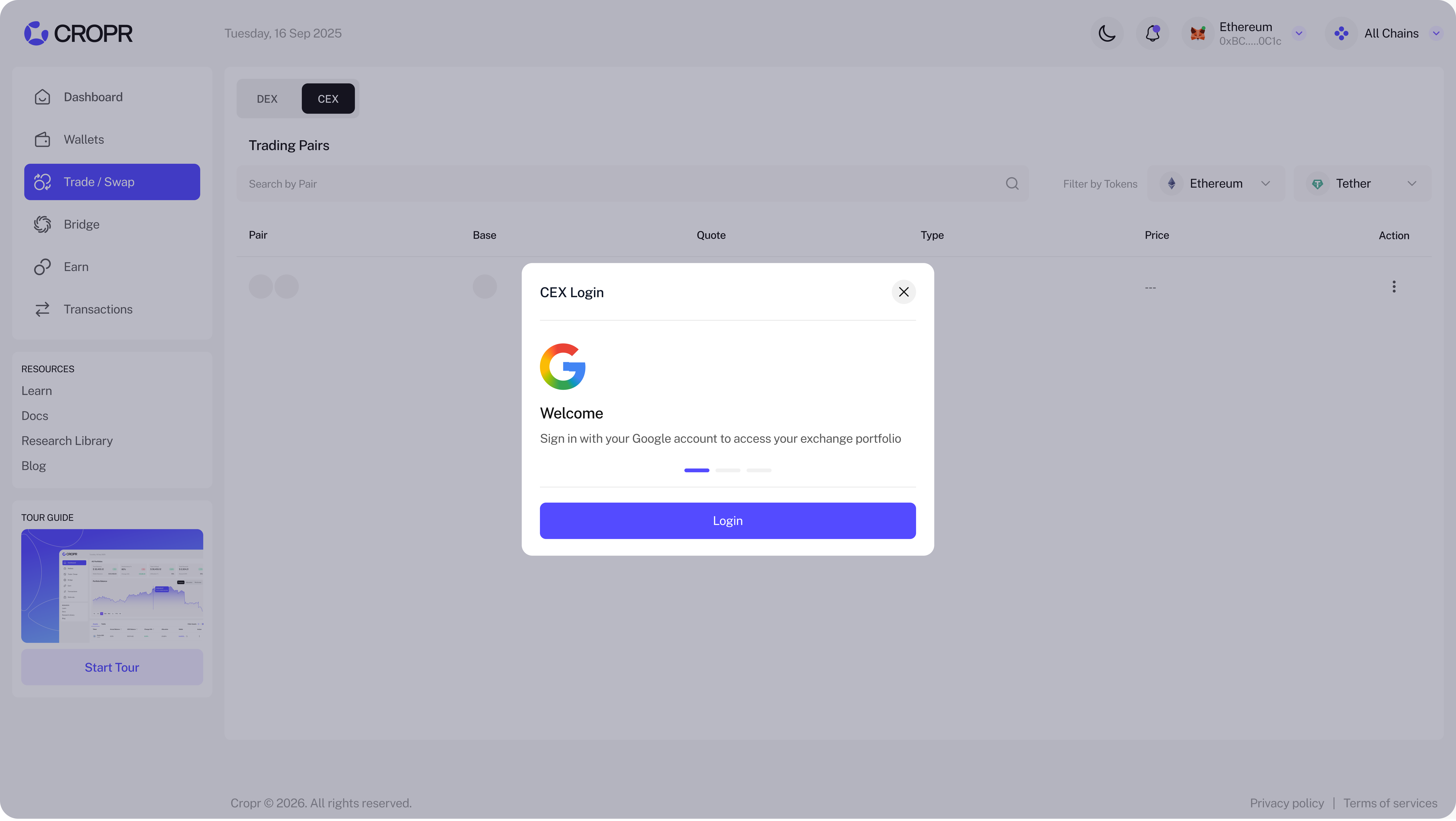
To connect your CEX account click on CEX and sign-up with your Google Account.
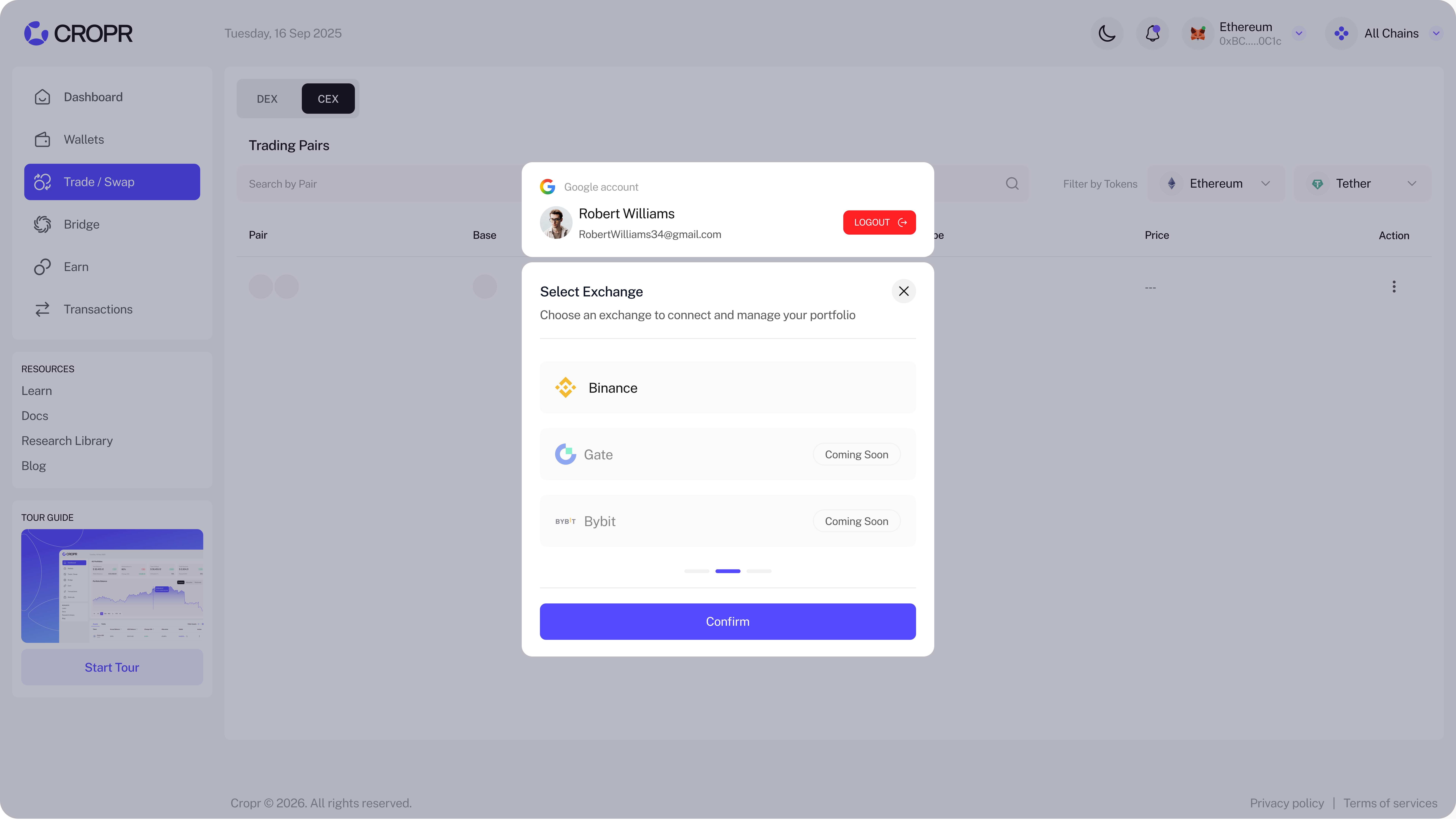
Select Exchange
Select now the Exchange you want to connect and confirm.
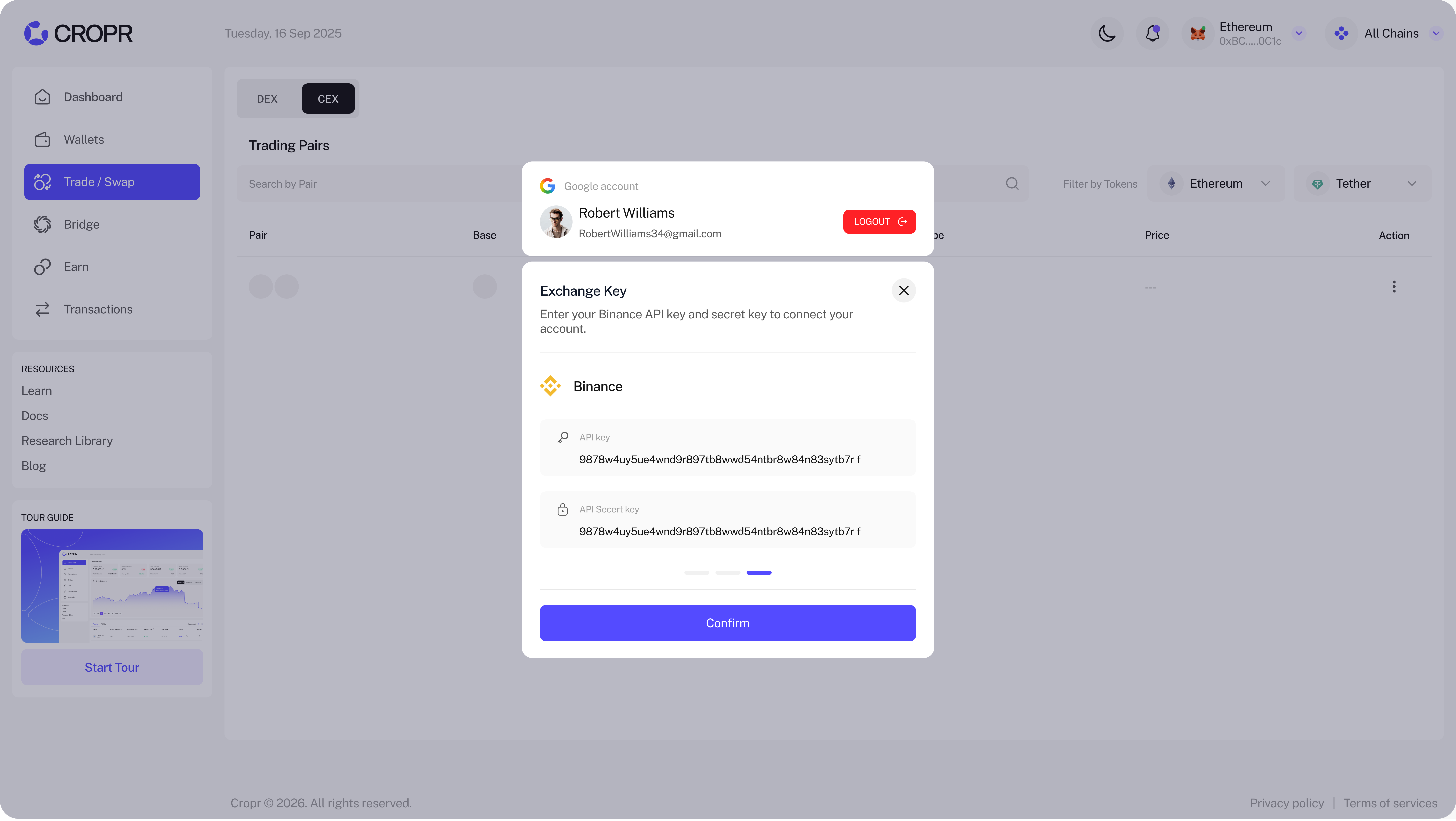
Add API Key and API Secret Key
Go to your Exchange account, generate an API key and API secret and enter each of them into the respective fields in CROPR to connect your account. Now your CEX account is connected and you're ready to go.
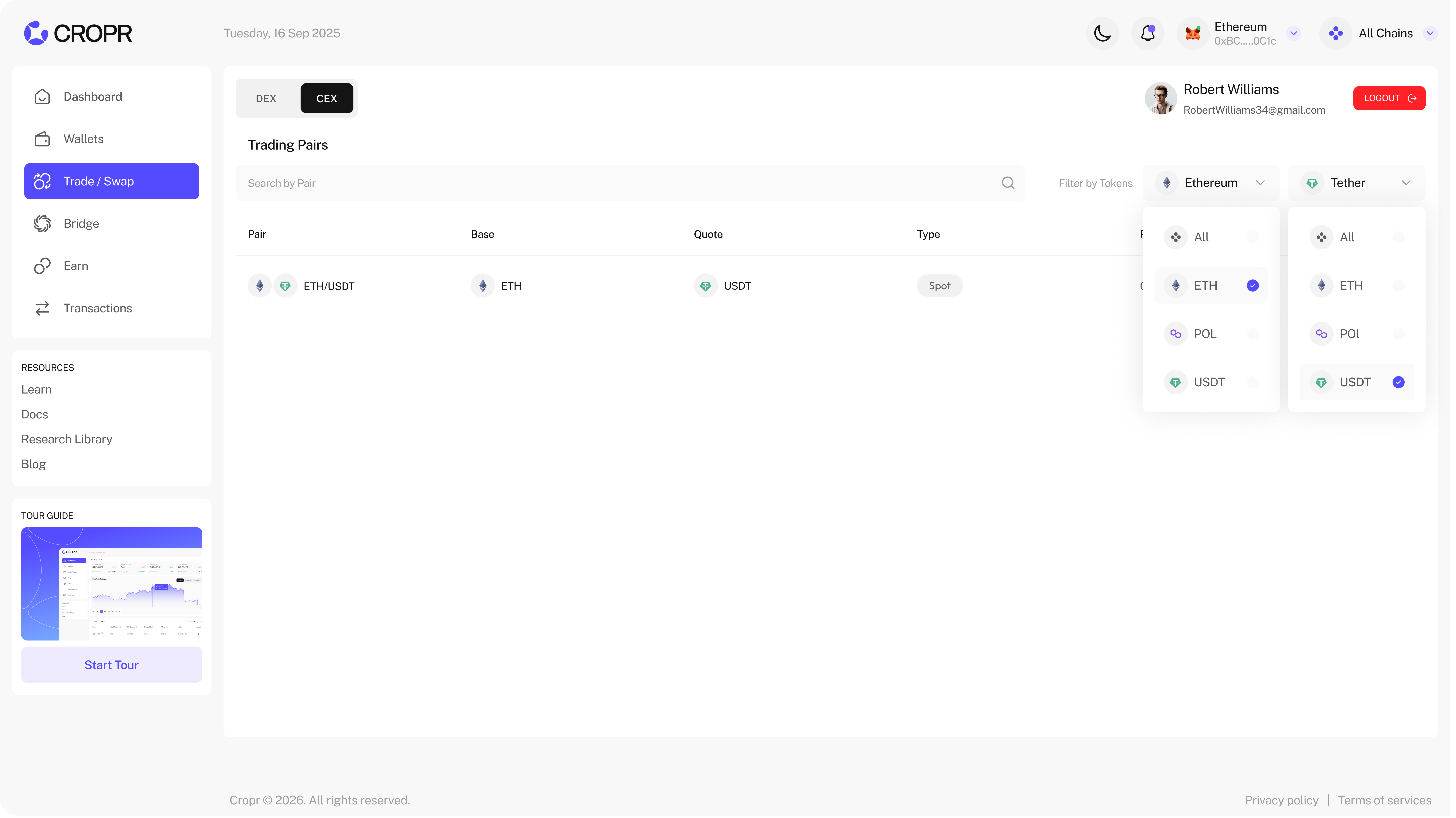
Select Trading Pair to Trade on CEX
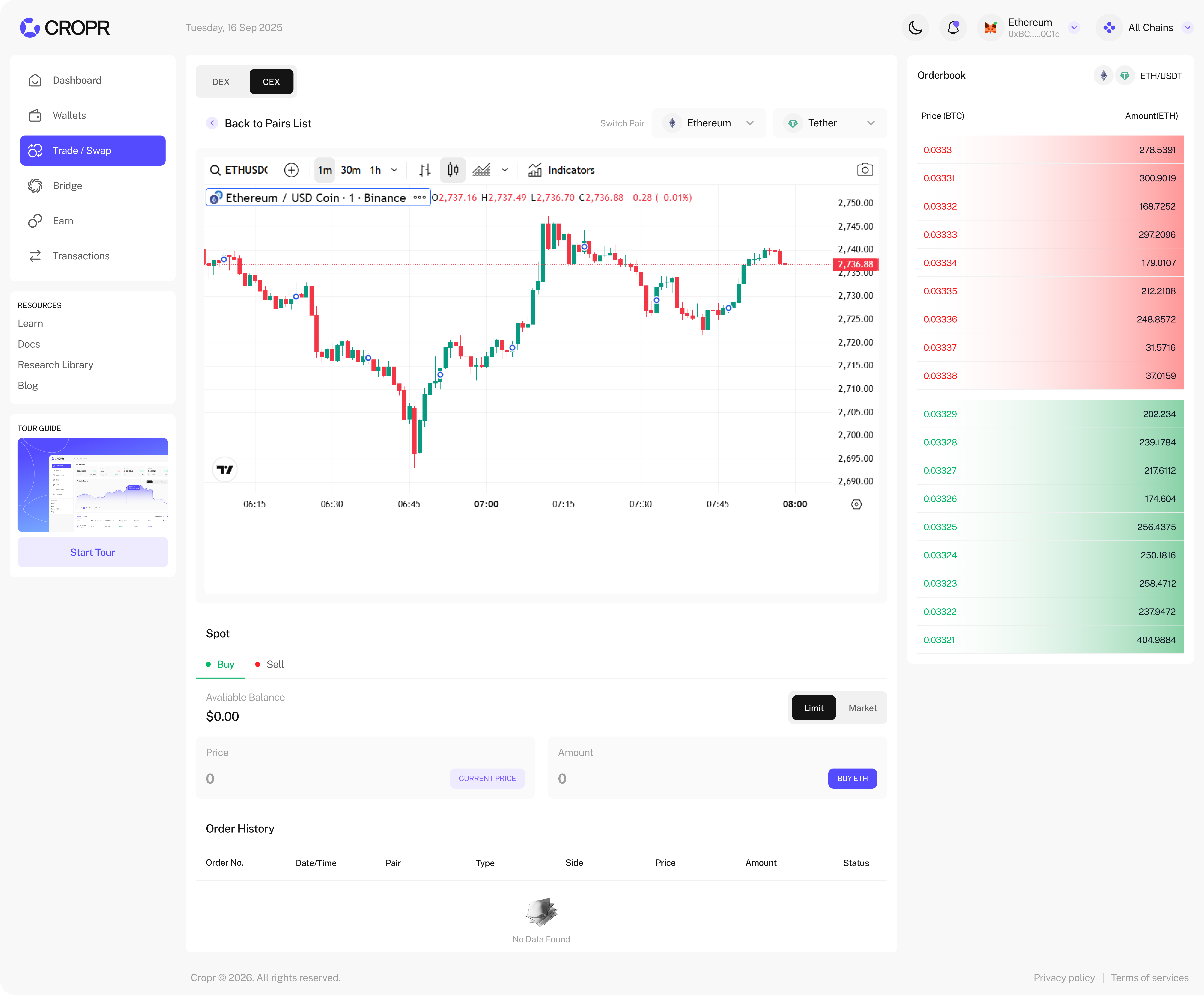
Start trading directly in CROPR by selecting the trading pair. Each trade will also be displayed in the Order History.
Charts and Orderbook
See and use advanced trading charts and the orderbook and place your market or limit buy or sell orders.