Trade / Swap
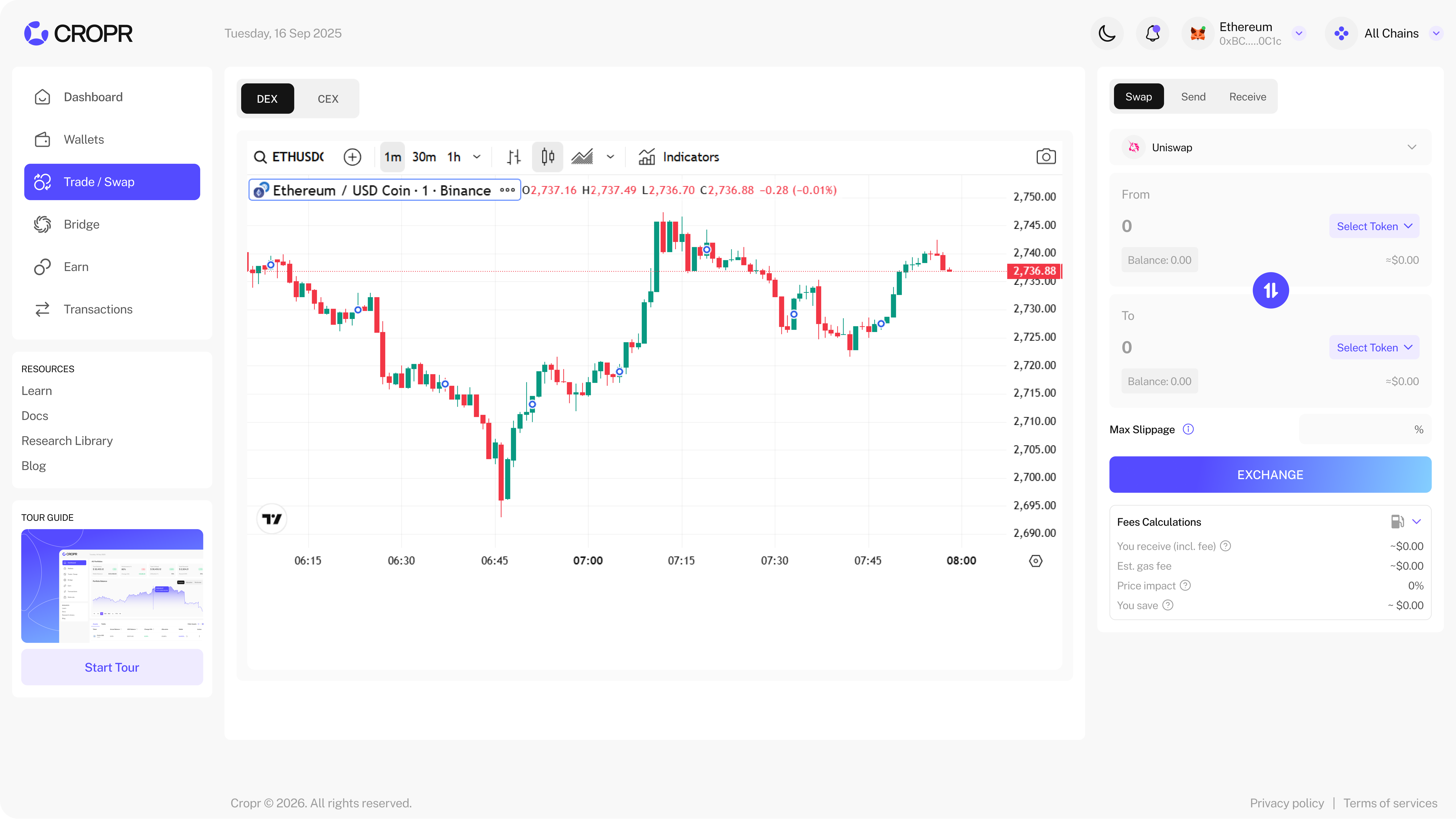
Swap tokens through multiple integrated DEXs (Decentralized Exchanges), DEX aggregator and CEX (Centralized Exchanges) integrations. CROPR finds the best prices and deep liquidity.
The trading section includes a trading chart that automatically fetches the data of your selected trading pair showing the candle chart and the trading volume.
DEX Trading
Trading on CROPR is easy and straightforward. The direct integration with all the DEXs let you directly trade on each of them without the need to connect with them individually. Once connected you're connected with all of them without any additional counterparty or smart contract risk.
- Select the tokens to swap from the list. Tokens with a balance in your wallet are always listed on top.
- If you don't find the tokens in the list just add the token address to find the token.
- Add the amount you want to swap against (From) and the amount of token you'll receive is being displayed from the selected DEX.
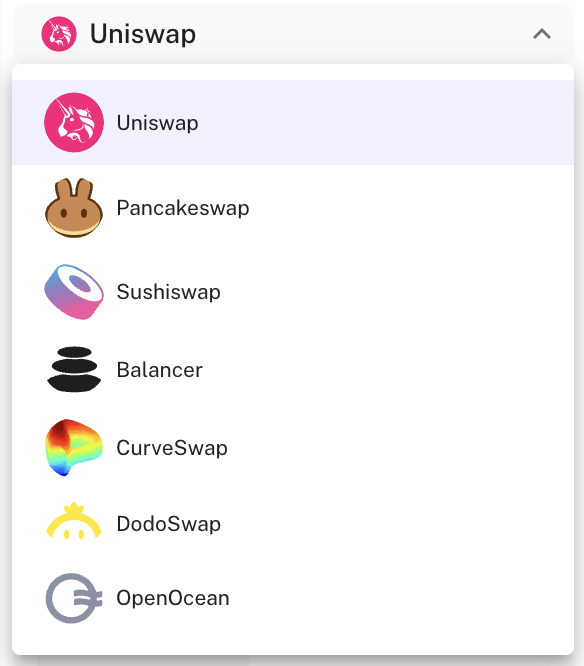
- You can simply select other DEXs, which will show you the amount of tokens you receive to compare.
- Add your maximum slippage and see the amount you'll receive, your gas fees and the price impact.
- Click Exchange and sign the trade with your wallet. CROPR automatically updates the token amount and adds the token in the list as well as on the portfolio KPI's and charts when the token is received in your wallet. The transaction with its details will appear in the transaction section.
DEX Selection
Select your DEX of choice directly on the right-hand side of the dashboard and compare prices and costs.
Trade Settings
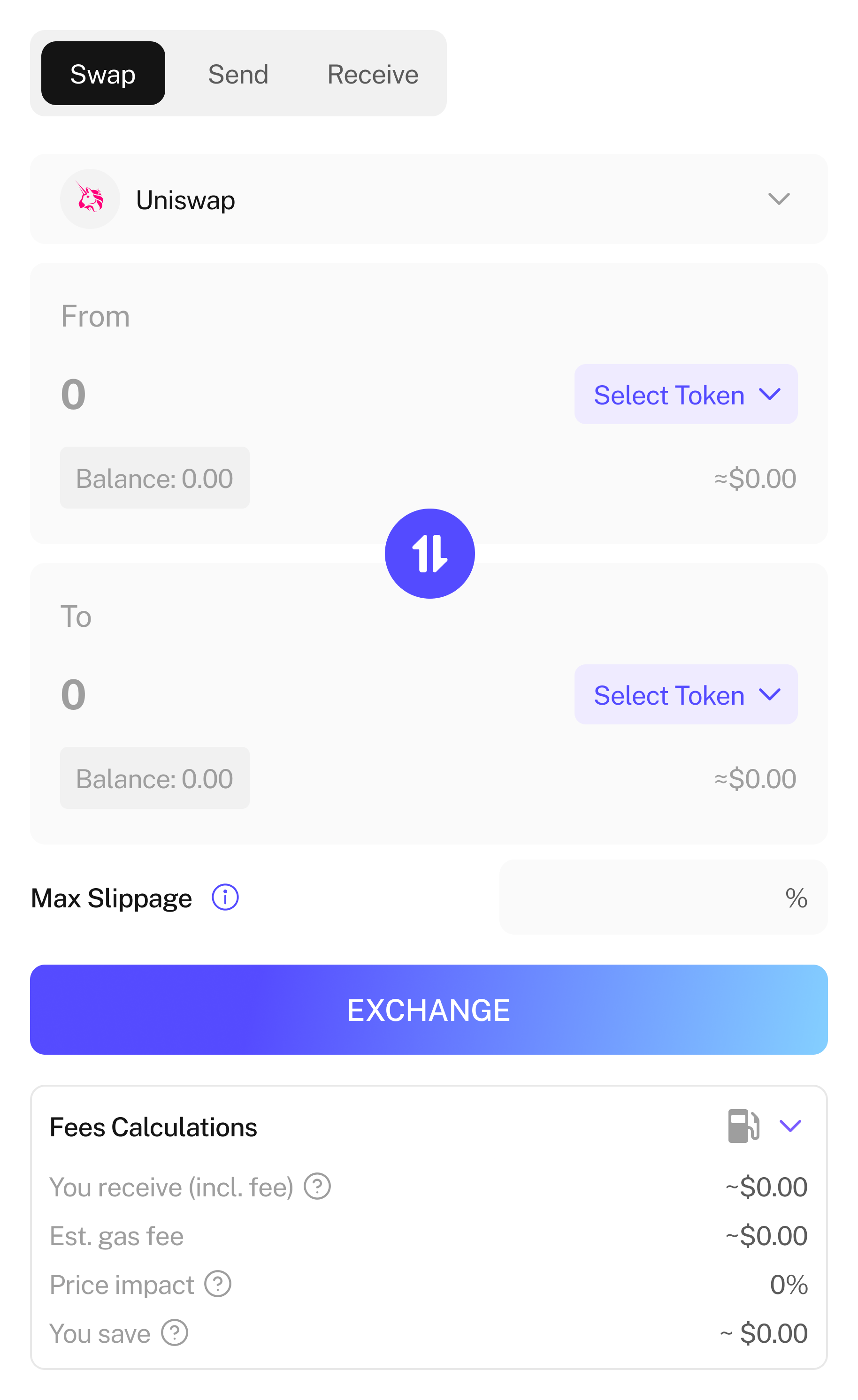
- Select your trading pair and enter the amount you want to trade.
- Define your maximum slippage tolerance
- Check price, estimated gas fee and price impact
Advanced Trading View
- To use the advanced trading view go to Trade/ Swap on the left-hand side menu
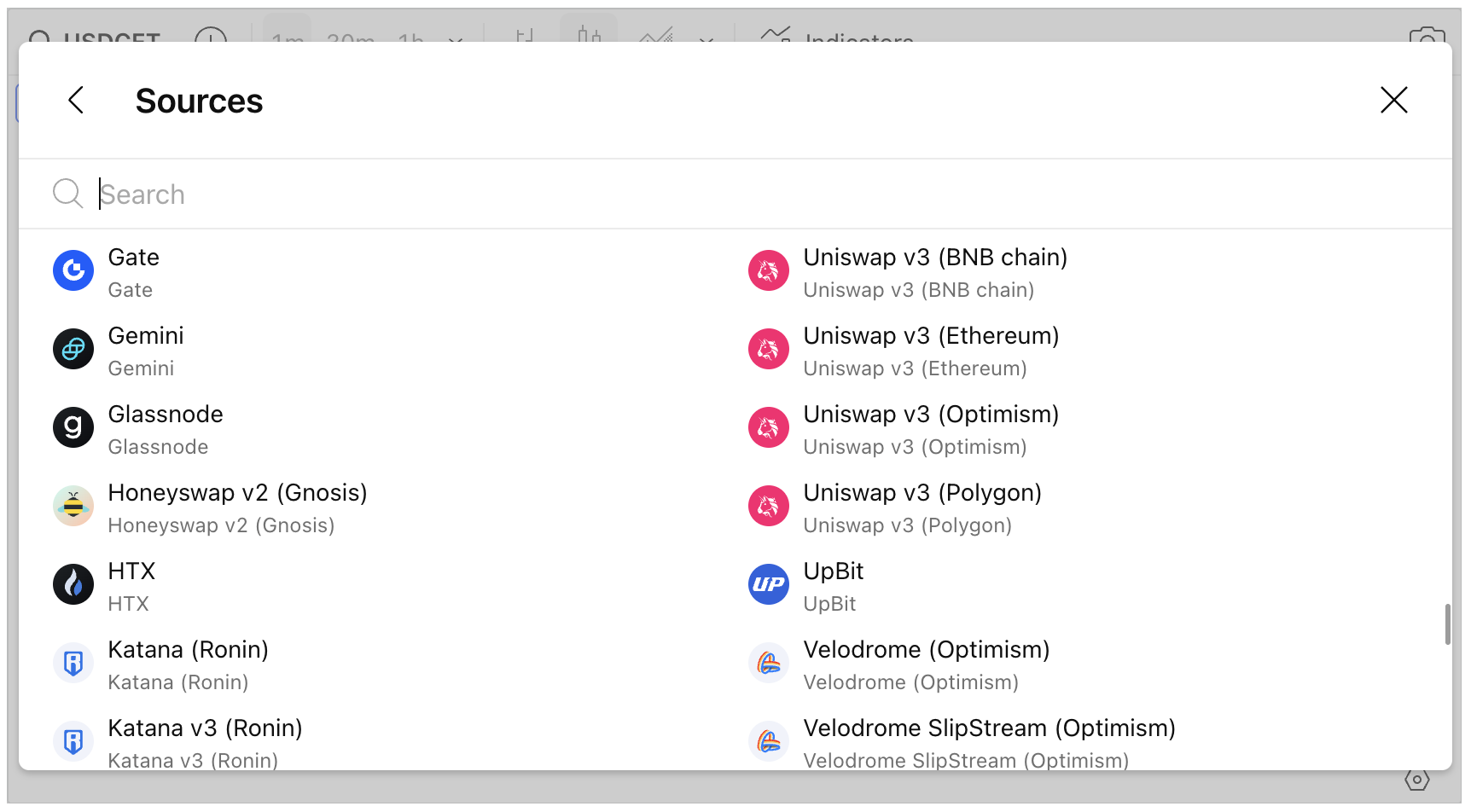
- The integrated Trading View allows you to select trading data from many different DEXs and CEXs and view different chart types, time scales and indicators for your trading pair.
- Easily compare prices on the different exchanges to always find the best trades.