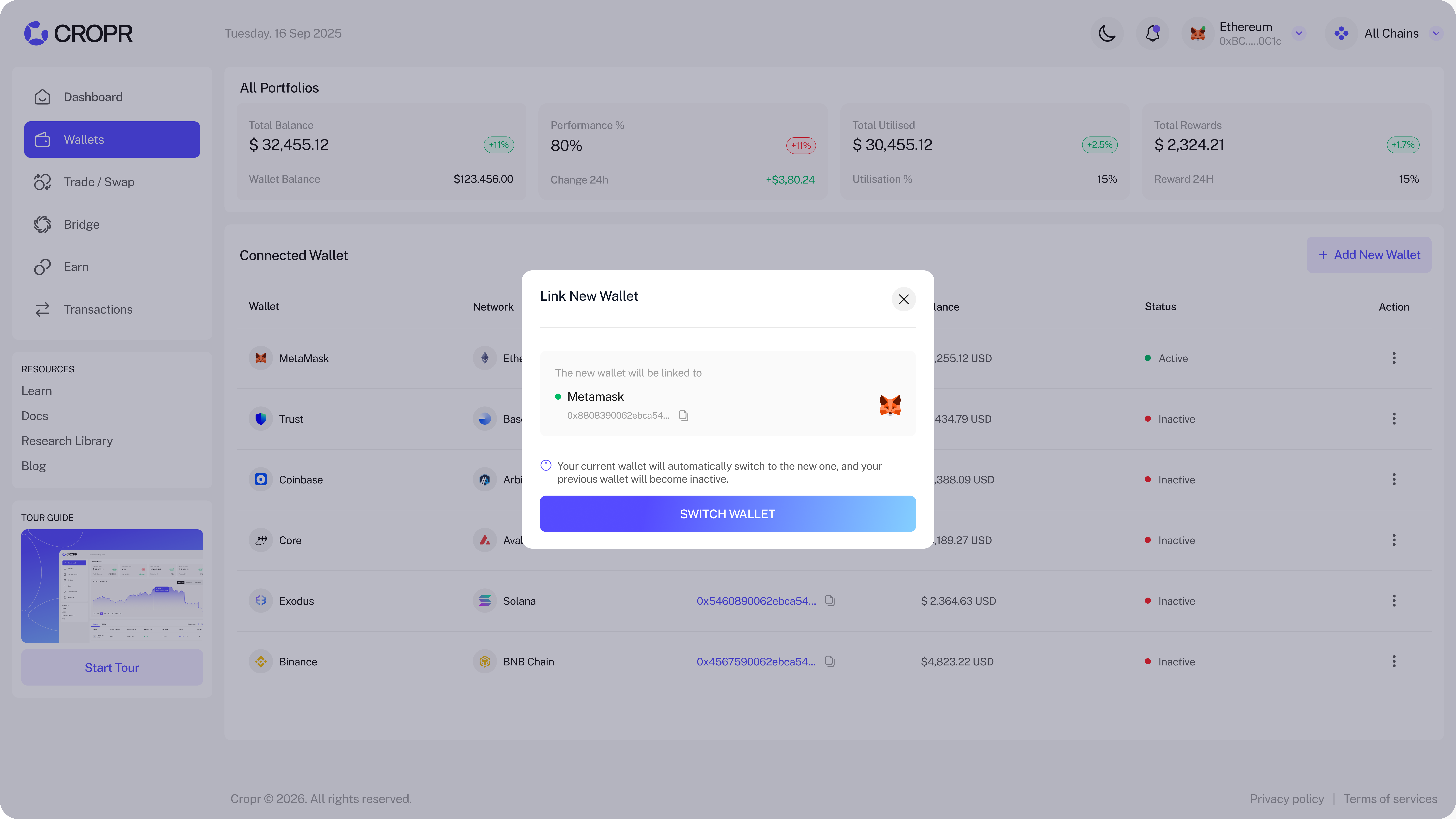
Connect your Wallets - Multi-Wallet Connect
Connect all your wallets and custodial accounts when joining CROPR or go to Wallets and gain a full view on all your holdings and positions. We have multiple wallets natively integrated as well as WalletConnect for all others.
Easily switch your active wallet though the Switch Wallet button — you always have one active wallet, but you can easily switch the active wallet any time.
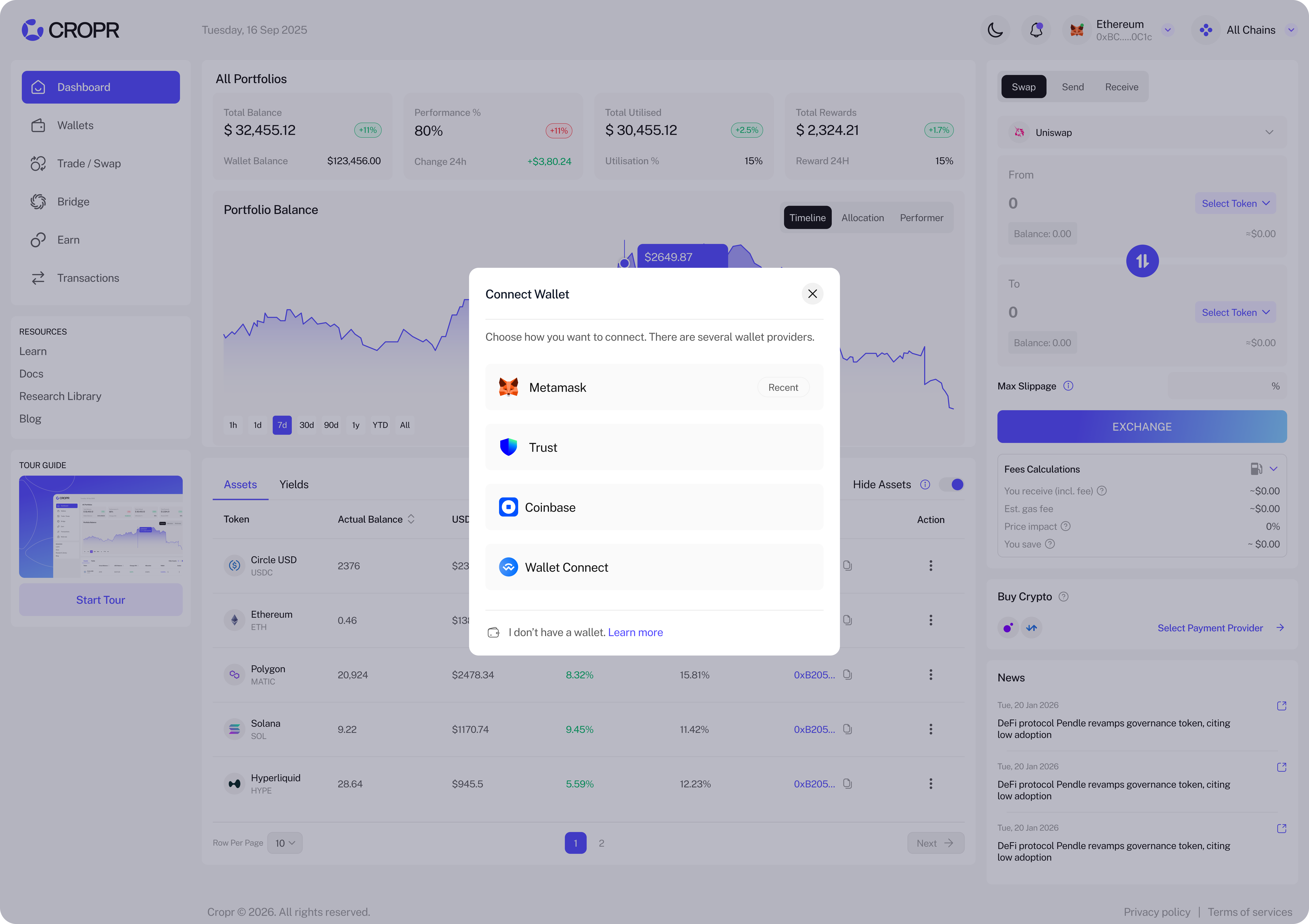
- Add any of your wallets and manage them in a unified account.
Wallet Action
Switch or remove wallets and soon be able to give each wallet an own name to better distinguish them instead of just the wallet type and address.
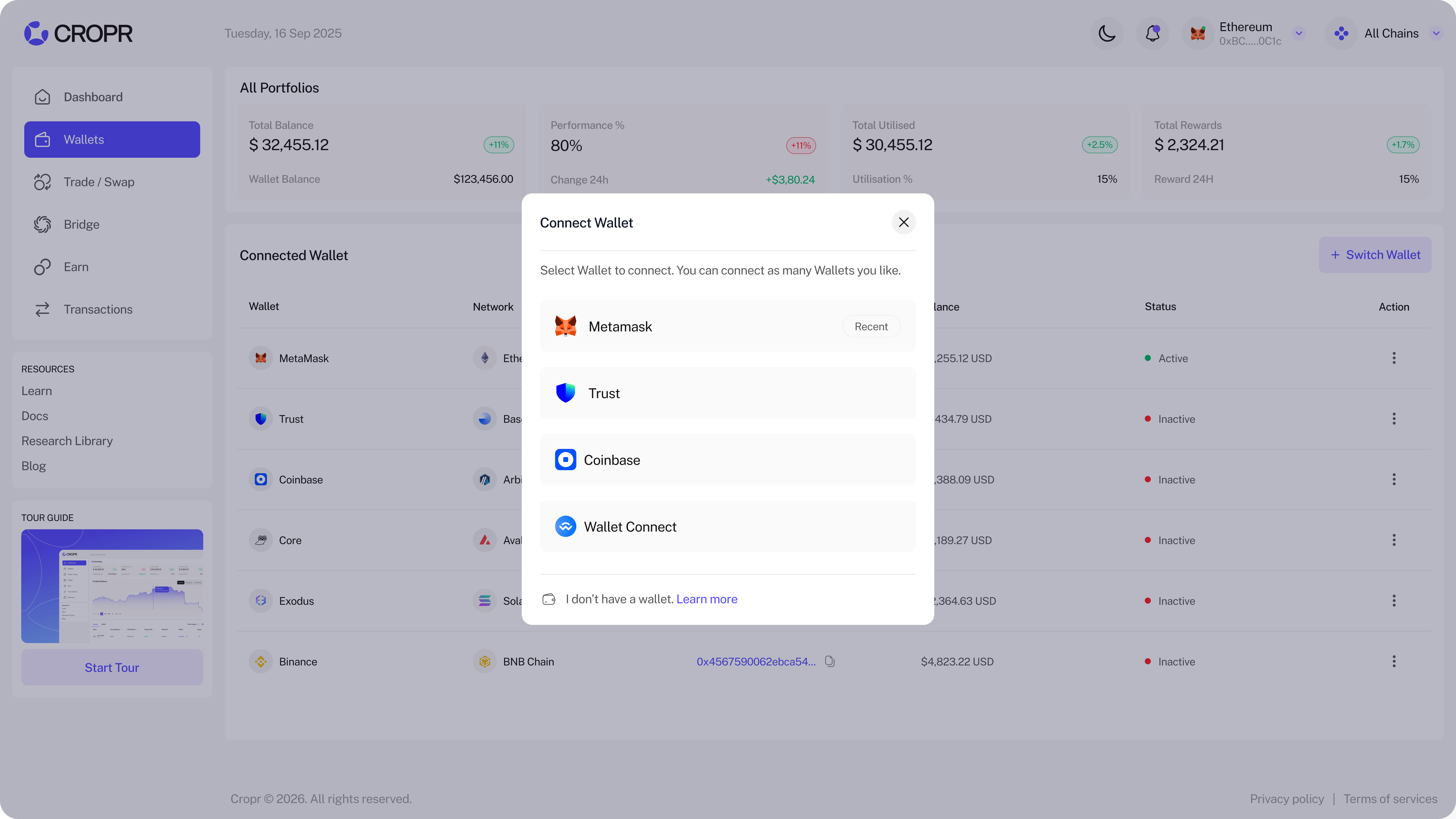
Switch your active Wallet
Easily switch your active Wallet. Just click Switch Wallet and select the wallet. You then just sign your wallet again to activate.
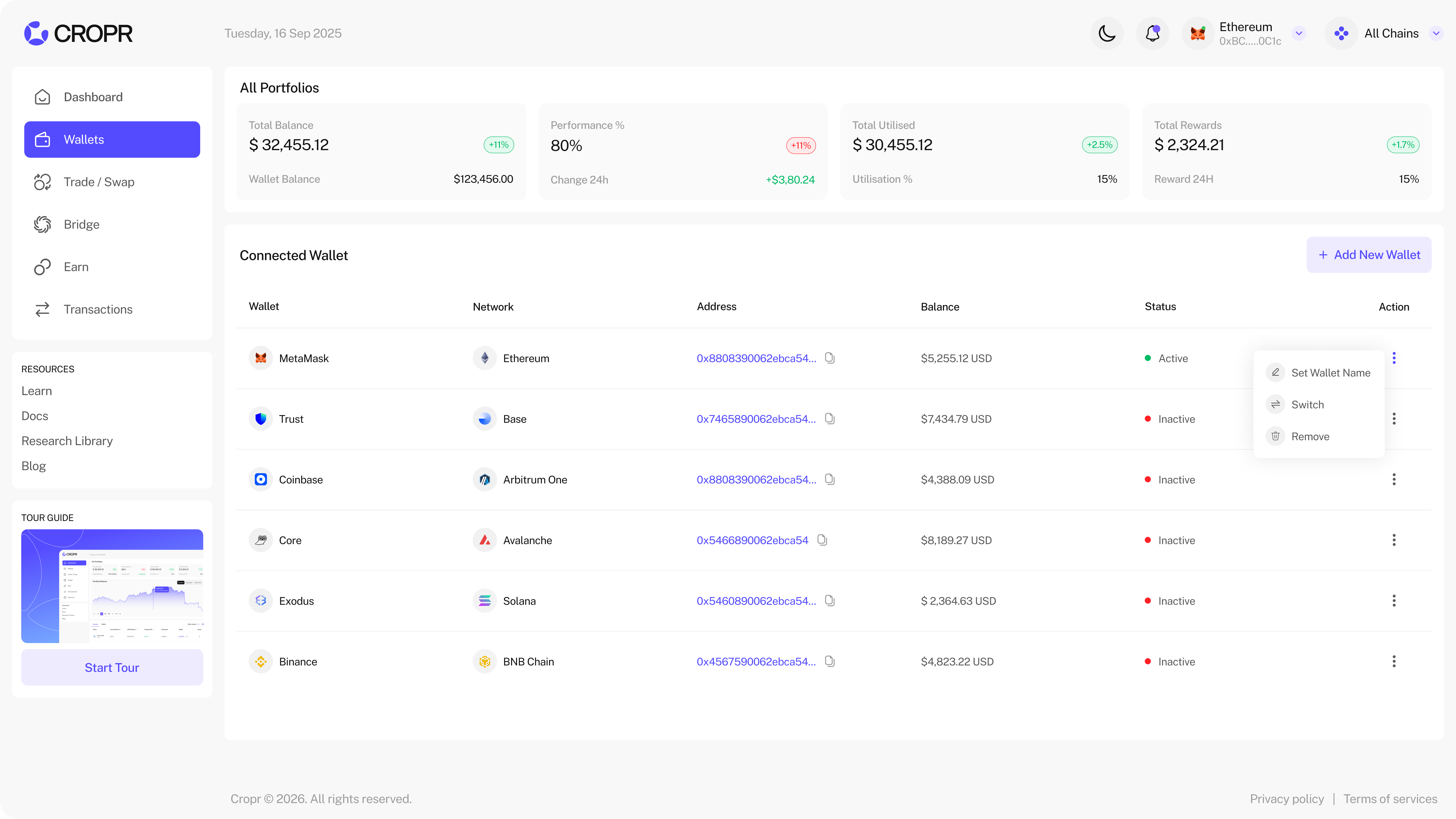
Disconnect Wallet
Disconnect wallets you don't want to use for your portfolio by either click Disconnect in the wallet section or by clicking the active wallet on the right of the page and click Disconnect.